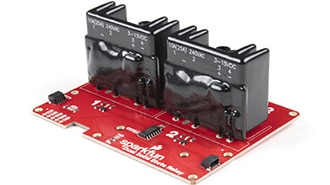
In this tutorial we'll detail the hardware on the Dual Solid State Relay, how to connect it to an Arduino or other microcontroller and how to use the examples included in our Arduino library and Python package.
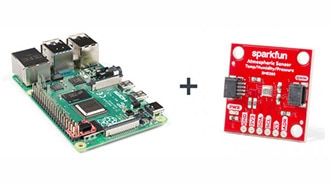
If you’ve recently picked up your first Raspberry Pi it sure doesn’t look like any computer you’re accustomed to, so let’s talk through the basics to get your Raspberry Pi up and running as a full desktop.
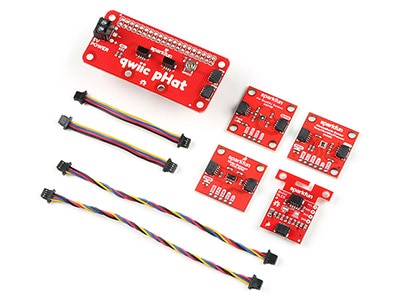
Welcome to the Qwiic Kit for Raspberry Pi V2 hookup guide. Here we are going to get started with some of the basics surrounding I2C and Python on your Raspberry Pi.
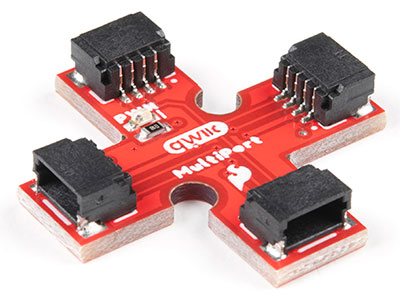
The SparkFun Qwiic Multiport adds additional ports to boards that have only one Qwiic port on their I2C bus. Once added, you can use it as a hub to add as many I2C devices to the bus as you need [1] ! You can also use the board as an alternative to a daisy chained configuration.








 設定
設定
 快速送達
快速送達
 免運費
免運費
 國貿條規
國貿條規
 付款類型
付款類型


 商城產品
商城產品