Create your own Raspberry Pi intrusion detector by logging all successful and failed SSH, local, and VNC login attempts to detect suspicious access activity.
Learn how to retrofit a vintage radio with a Raspberry Pi to stream internet radio and play Bluetooth audio while preserving its original design & sound quality.
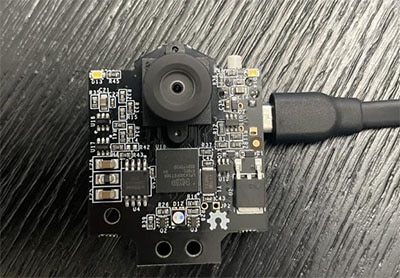
Worn on a lanyard or clipped to a pocket or pack, this adorable camera snaps a photo every few seconds. Slide the SD card into your computer to review the day’s activities or merge all the images into a timelapse animation.
Learn how to schedule tasks effectively on your Raspberry Pi using cron and shell scripts. Automate routine processes for improved efficiency and reliability.
Docker made easy: Beginner's guide to Docker GUI and command line. Install and run containerized apps effortlessly. Maximize your Raspberry Pi's potential!
Effortless Docker setup on Raspberry Pi: Learn how to install and configure Docker for efficient project management. Empower your projects with containerization.
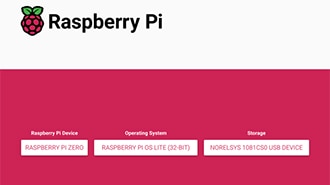
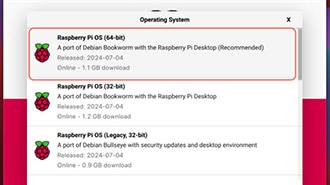
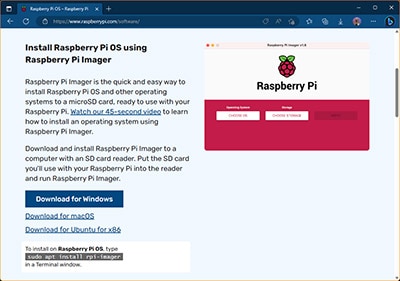
When starting out with a new Raspberry Pi, the first step involves creating a bootable SD card that contains the tiny computer’s operating system and user files.
共同瀏覽
若使用共同瀏覽功能,即代表您同意 DigiKey 支援人員從遠端查看您的瀏覽器。共同瀏覽視窗開啟時,請將工具列顯示的作業階段 ID 提供給支援人員。


 設定
設定
 快速送達
快速送達
 免運費
免運費
 國貿條規
國貿條規
 付款類型
付款類型


 商城產品
商城產品