






 設定
設定
 快速送達
快速送達
 免運費
免運費
 國貿條規
國貿條規
 付款類型
付款類型


 商城產品
商城產品

製造商零件編號 A000066
ARDUINO UNO R3 ATMEGA328P BOARD
Arduino

License: GNU Lesser General Public License Microcontrollers Arduino ESP32
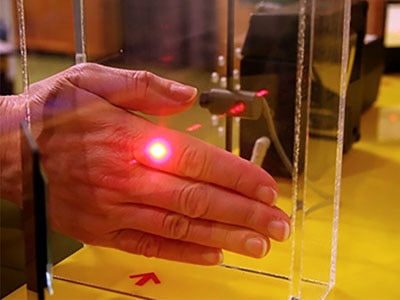
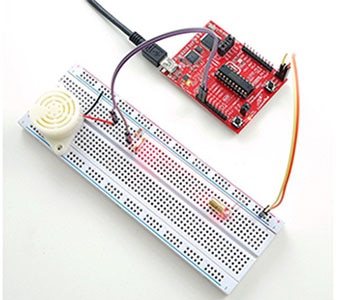
In this tutorial, we will use a LASER Module connected to Arduino UNO and Visuino to make it change its brightness using Pulse Width Modulation (PWM).
Watch the video!
WARNING: Lasers can be harmful to the eyes, and you should never look directly into the beam!
Learn more about Visuino: What is Visuino
Arduino UNO (or any other Arduino)
Jumper wires
Visuino program: Download Visuino
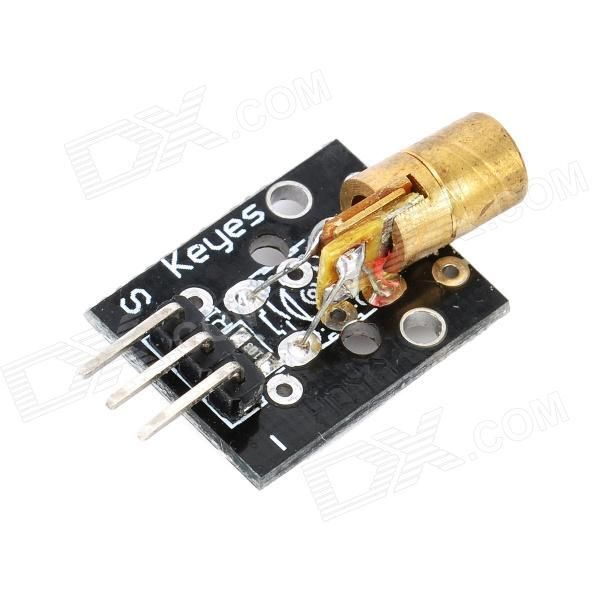
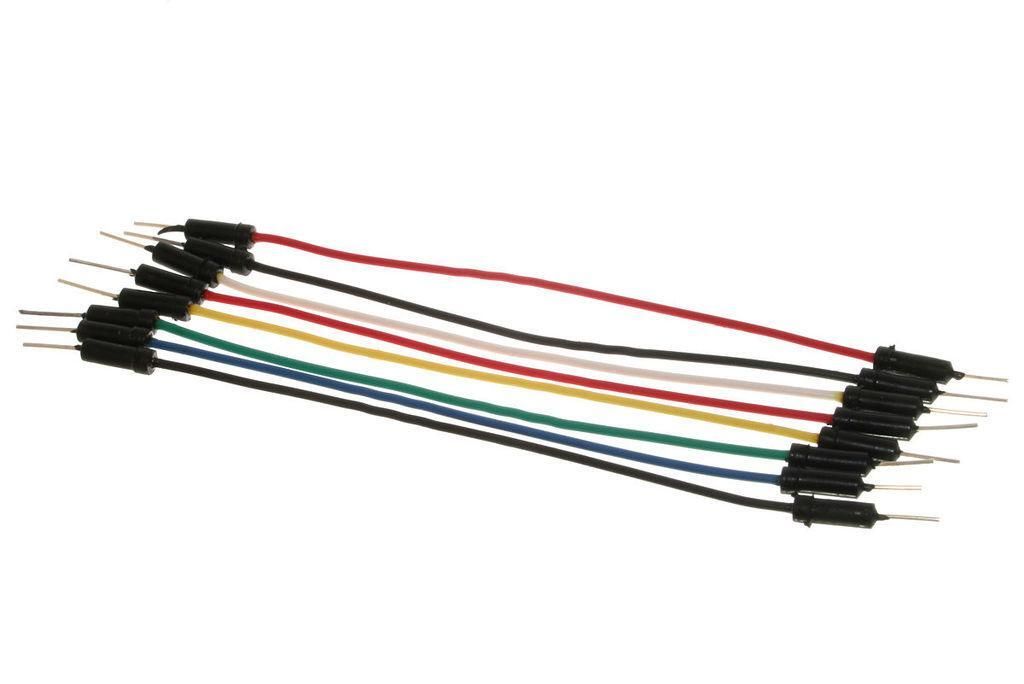
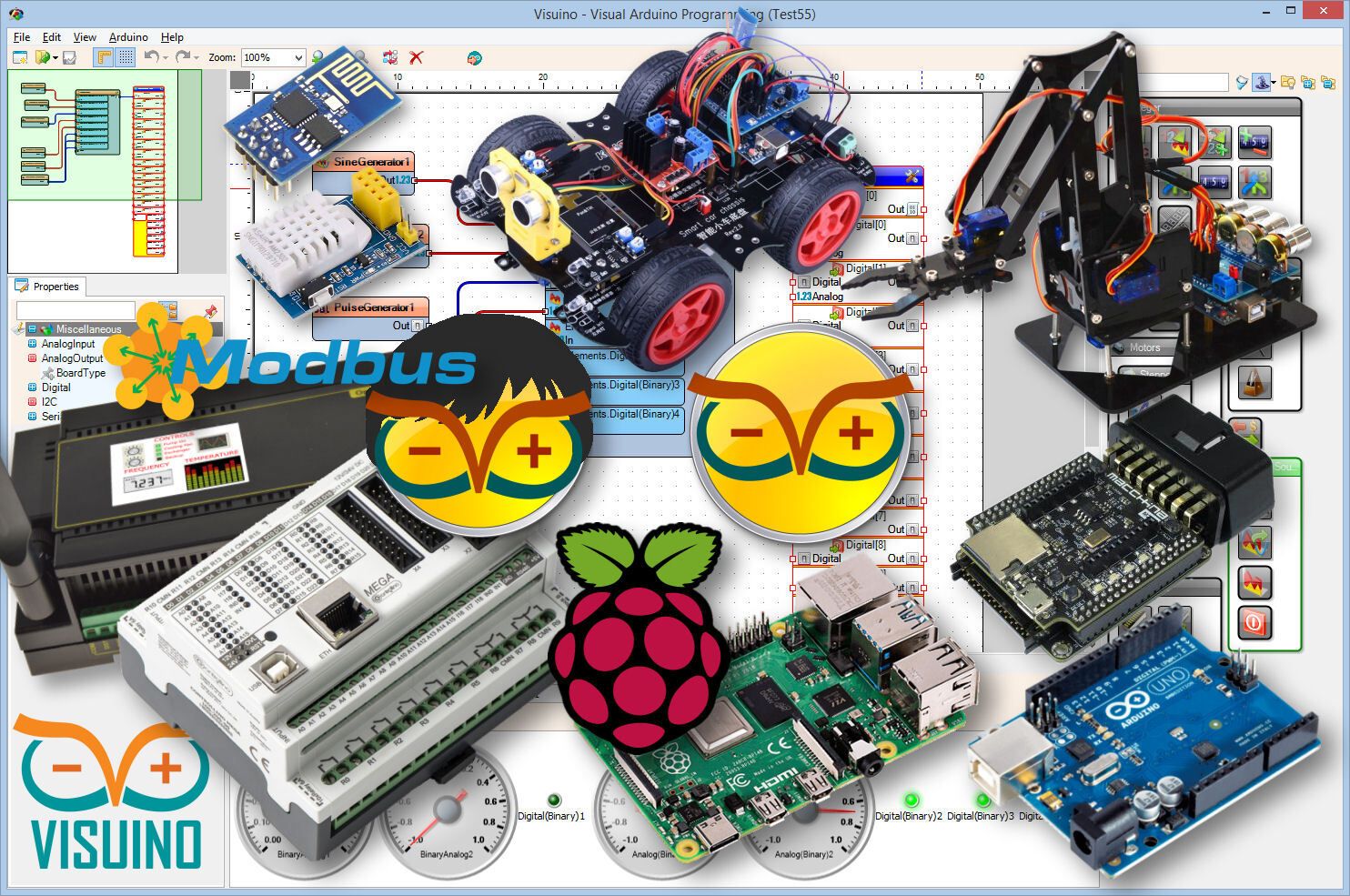
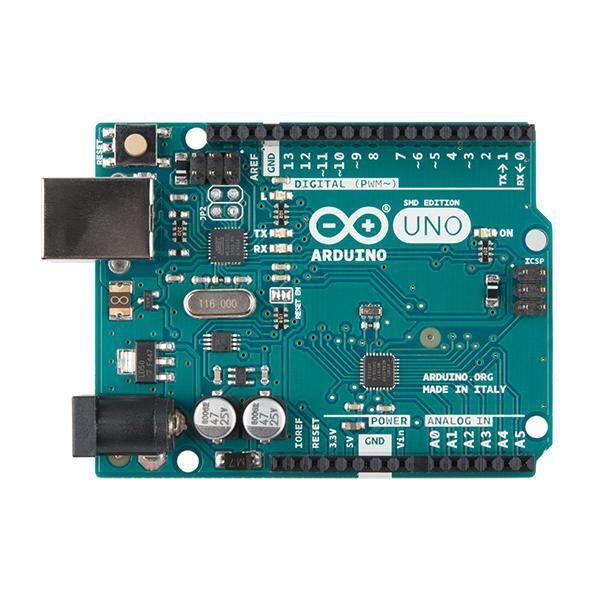
Connect the LASER pin [S] to the Arduino digital pin [10]
Connect the LASER pin [GND] to the Arduino pin [GND]

The Visuino: https://www.visuino.eu also needs to be installed. Download the free version or register for a free trial.
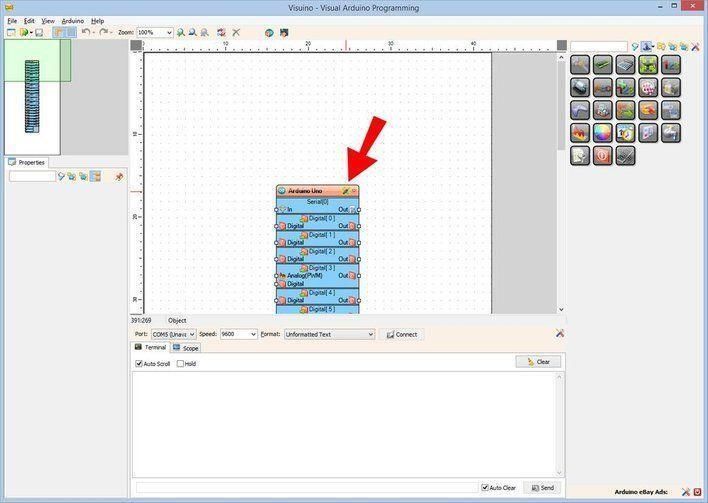
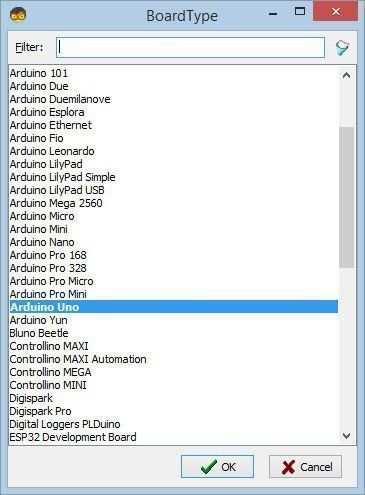
Start Visuino as shown in the first picture. Click on the "Tools" button on the Arduino component (Picture 1) in Visuino. When the dialog appears, select "Arduino UNO" as shown in Picture 2
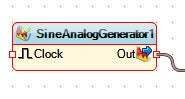
Add "Sine Analog Generator" component
Set "SineAnalogGenerator1" component frequency to "0.2"
Connect "SineAnalogGenerator1" to Arduino Digital pin [10]
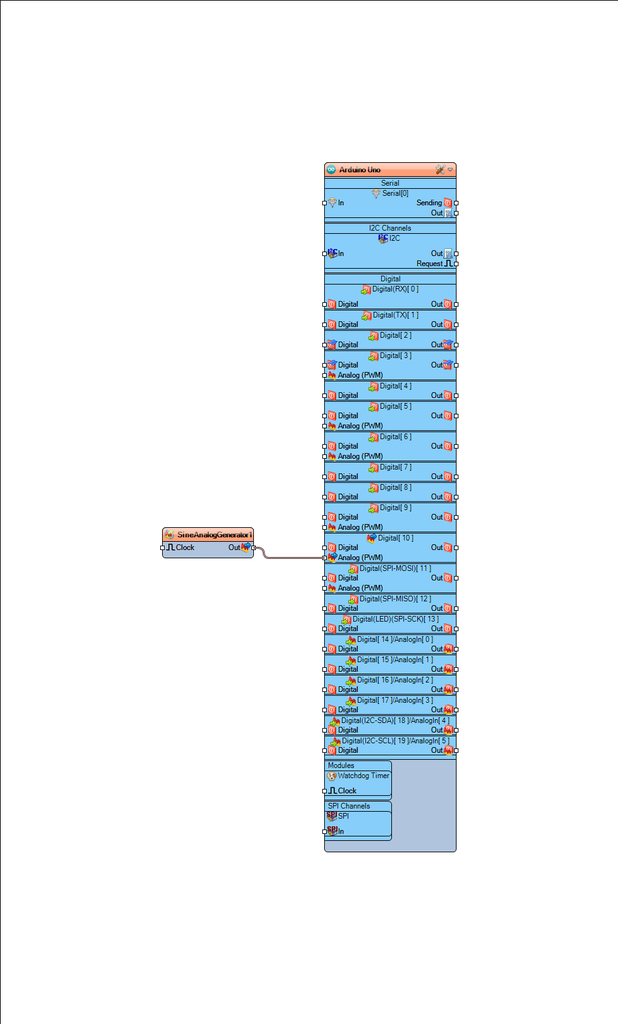
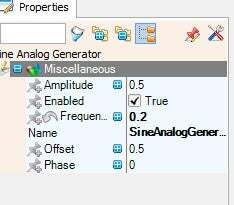
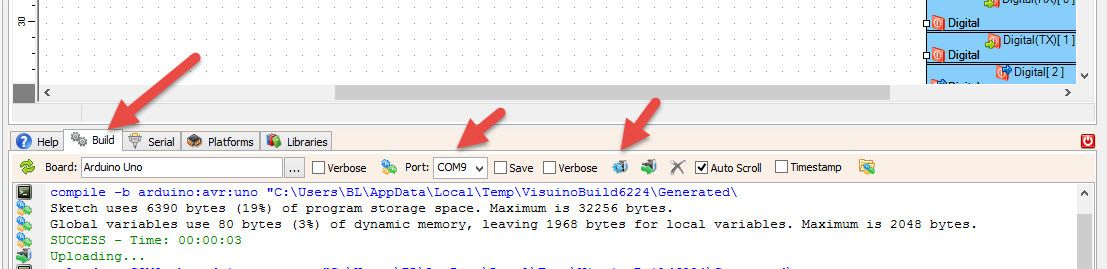
In Visuino, at the bottom, click on the "Build" tab, make sure the correct port is selected, then click on the "Compile/Build and Upload" button.
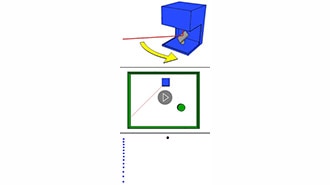
If you power the Arduino UNO module, the LASER will slowly turn ON and slowly turn OFF.
Congratulations! You have completed your project with Visuino. Also attached is the Visuino project that I created for this. You can download and open it in Visuino: https://www.visuino.eu












 台灣
台灣